The Shelly BLU Door & Window is available in white and black, allowing you to match the sensor to the door or window frame for a discreet look. I chose the white version, as it blends better with the door frame and remains visually unobtrusive.
What You Actually Bough
The Shelly BLU Door & Window is a Bluetooth (BLE) door/window sensor that reports:
- open/closed state,
- tilt angle if the door/window swings,
- light level,
- battery status.
It only speaks Bluetooth — it is not a Wi-Fi sensor on its own
What Hardware You Need
You cannot use the BLU sensor alone directly in Shelly Smart Control over Wi-Fi — you need a Bluetooth gateway. There are two common options:
1. A Shelly device that supports BLE gateway.
Supported units include Shelly Plus, Shelly Pro, or Gen3/Gen4 devices with BLE gateway turned on. These act as a Bluetooth <→ Wi-Fi bridge so the sensor appears in the Shelly Smart Control app and can be used in scenes.
2. A dedicated Shelly BLU Gateway dongle (USB BLE-to-Wi-Fi bridge).
This is a small adapter that does the same BLE bridging without needing a mains Shelly device.
ESP32 / custom BLE proxy
If you run Home Assistant or another automation hub and want the BLE sensor there instead of via Shelly Smart Control, an ESP32 BLE proxy firmware (e.g., ESPHome) can be used to relay BLE sensor broadcasts into your system. This is not needed for the basic Shelly app setup but is required if you want integration outside Shelly’s ecosystem without a Shelly gateway.
Step-by-Step Shelly Smart Control Setup
- Battery first:
If needed, replace the CR2032 with a fresh one (3 V). - Press and hold the button on the sensor (~10 s) until the app shows it’s connecting.
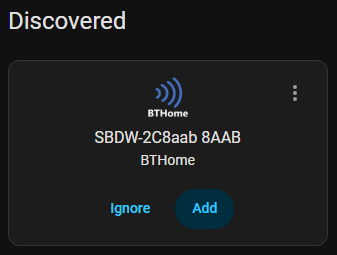
- Do you want to set up SBDW-2C8aab 8AAB? Press Submit
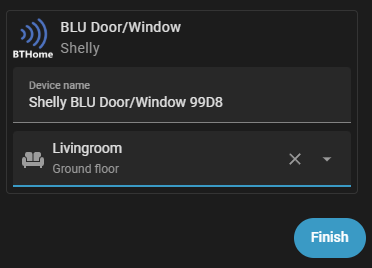
- Name the device and assign to a room/area.
- Finish and save.
- The sensor will now appear in the app under Devices.
How It Works in Use
- The sensor broadcasts its state over Bluetooth only. It reports immediately on change and/or periodically when beacon mode is enabled.
- A BLE gateway relays that to your Shelly Smart Control app and makes it usable in scenes/automations.
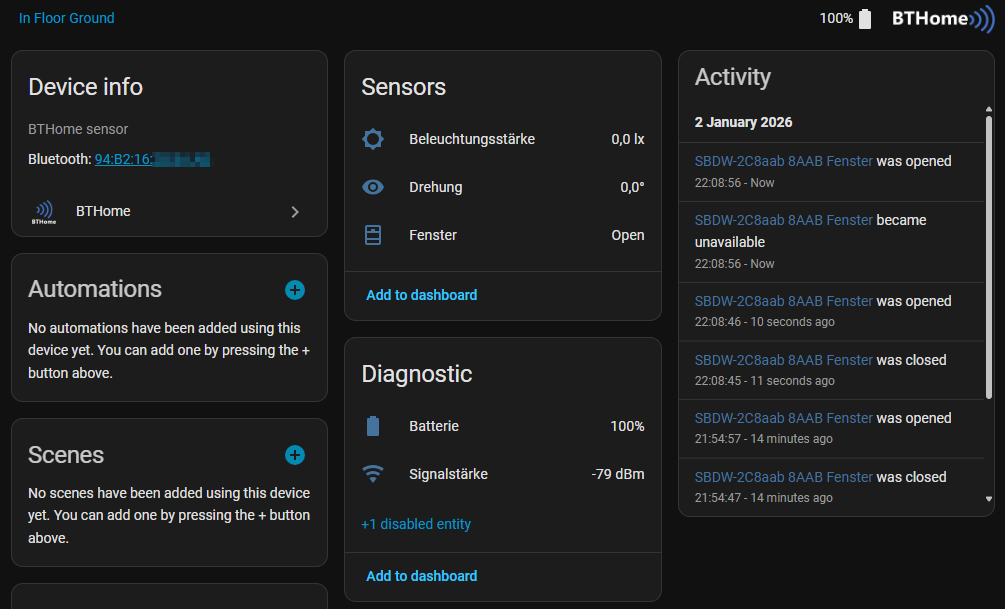
With this setup, your Shelly BLU Door & Window becomes a simple, low-power entry/exit sensor that integrates cleanly into Shelly scenes and broader home automation.
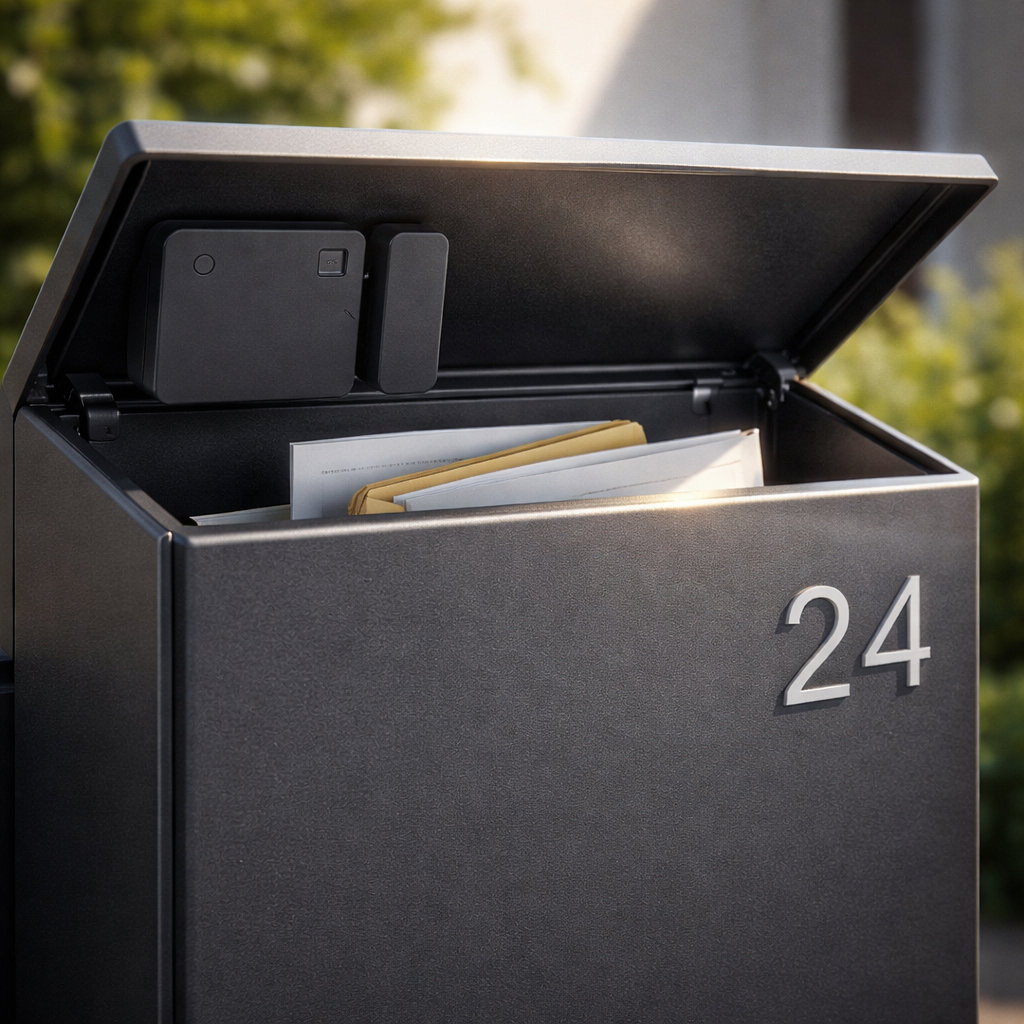
A few practical uses for door and window sensors include making your mailbox smart by placing the sensor in the lid and the magnet underneath, so you receive instant notifications whenever mail arrives. They can alert you if you leave the house while a window is still open, help control your heating automatically by lowering the temperature in rooms with open windows, and manage shutters by preventing them from closing when windows are open for ventilation or sun protection. Additionally, they provide an important security function by sending alerts if doors or windows are opened without authorization.