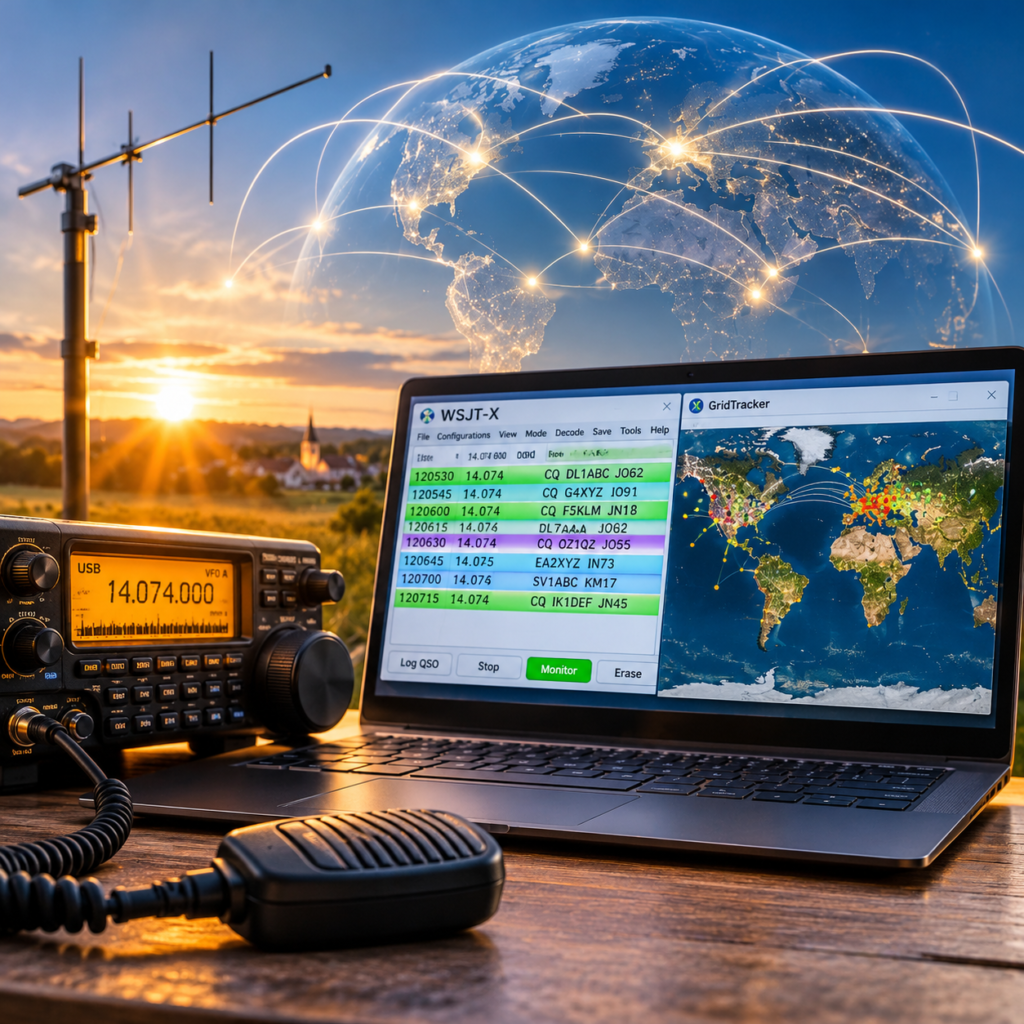
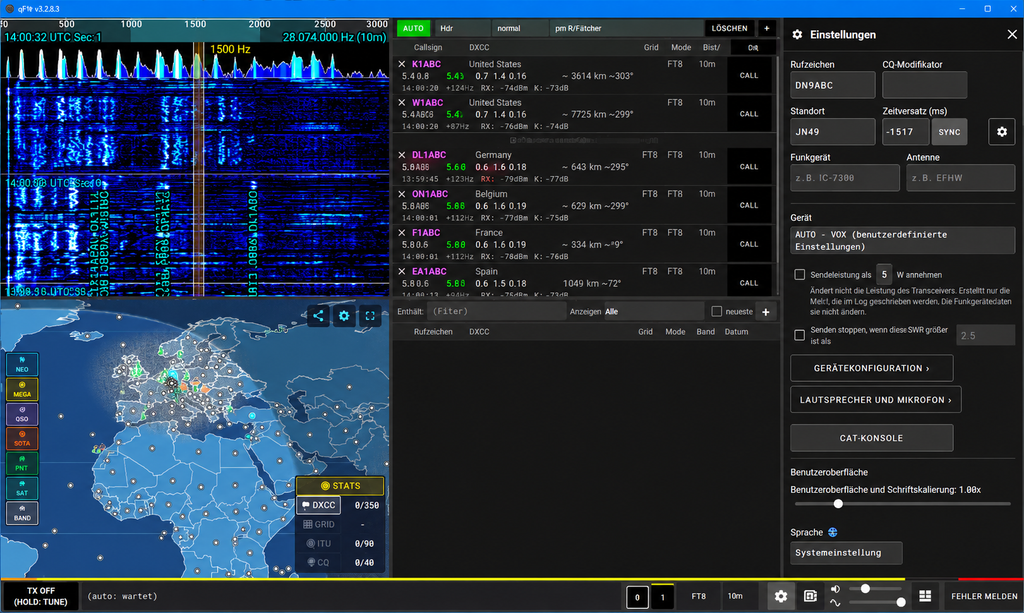
qFT8 is a multi-platform amateur radio application for operating digital and conventional radio modes. It combines transceiver control, digital signal decoding, QSO logging, station tracking and remote operation in a single application.
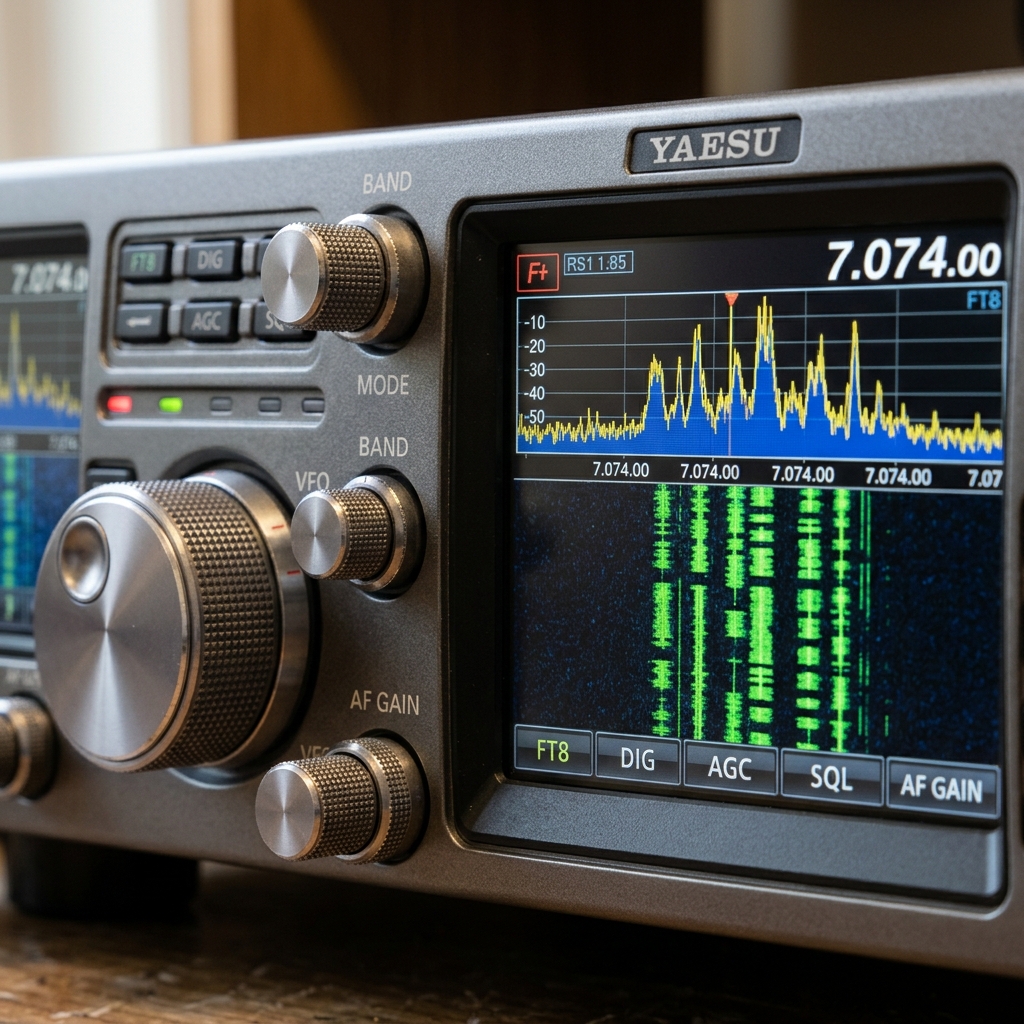
The software is available for Windows, Linux, macOS, Android and iOS.
Supported Modes
qFT8 supports a wide range of amateur radio operating modes:
- Digital: FT8, FT4, FT2, JS8, WSPR, Q65, MSK144, FST4 and FST4W
- Other modes: CW, RTTY, JTTY, SSTV and SSB
This makes qFT8 suitable for both weak-signal digital communication and conventional amateur radio operation.
Key Features
- Automatic (AUTO) and manual (CALL) QSO operation
- Integrated spectrogram and signal decoding
- Live world map with active stations and real-time spots
- Band propagation information
- Integrated QSO logging
- ADIF import and export
- QRZ, LoTW, eQSL and Wavelog integration
- SOTA and POTA support
- Automatic NTP time synchronization
- CAT control and USB audio
- Browser-based remote operation
Installation
The Windows version is distributed as a ZIP archive.
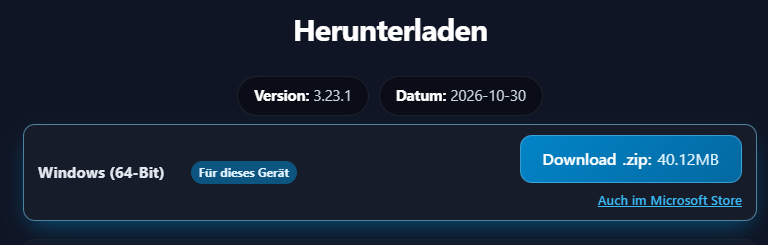
- Download the Windows package from the official website.
- Extract the archive into a suitable directory.
- Start
qFT8.exe. - Configure the transceiver, audio devices and CAT interface.
No separate Java installation is required because the runtime environment is included.
Download the appropriate Linux package from the official website.
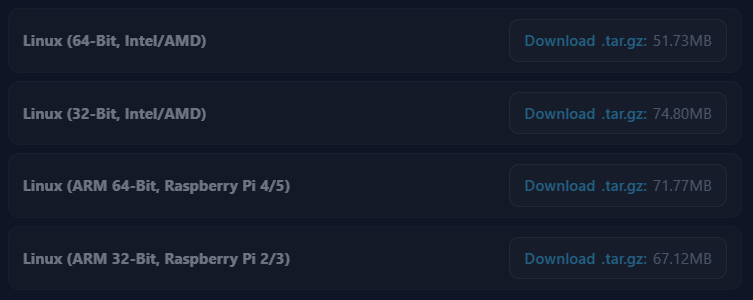
- Download the package matching your distribution and architecture.
- Extract or install the package according to its format.
- Start qFT8.
- Configure the transceiver, audio devices and CAT interface.
Make sure your user account has the required permissions to access USB and serial devices.
qFT8 is also available for Android devices.
- Open the official qFT8 website or the linked app distribution source. https://play.google.com/store/apps/details?id=com.ft8.app
- Download and install the Android version.
- Grant the required permissions.
- Configure the radio connection and audio interface.
Transceiver Connectivity
qFT8 supports a wide range of transceiver models.
Depending on the radio, connectivity is established through USB, providing CAT control and digital audio through a single connection.
Alternatively, external audio interfaces or VOX-based operation can be used.
CAT control provides frequency management and PTT switching, while the audio connection handles received and transmitted digital signals.
Logbook Integrations
qFT8 includes an integrated QSO log with support for several external logging services.
Supported integrations include:
- QRZ
- Logbook of The World (LoTW)
- eQSL
- Wavelog
- Cloudlog
- HamQTH
- Club Log
Wavelog integration allows operators to transfer QSOs directly to their self-hosted Wavelog instance via API. Configuration requires the server URL and an API key with the appropriate permissions.
Note: Self-hosted Wavelog instances using a private PKI may cause certificate validation issues, potentially affecting other API integrations as well. I have written fixing guides for Linux and Windows to resolve this issue. Unfortunately, I am not aware of a solution for Android yet.
Remote Operation
An integrated web server allows qFT8 to be operated through a standard web browser.
Additionally, the qFT8 Bridge can separate the physical transceiver from the operating computer. Radio commands and audio are transferred over the local network, allowing the radio to remain near the antenna while the operator works from another location.
Both features are particularly useful for remotely installed radio equipment.
Conclusion
qFT8 combines digital mode operation, transceiver control, logging and remote access in one application. Its multi-platform availability and direct Wavelog integration make it an interesting option for modern amateur radio stations. Give it a try 🙂