Understanding Alpha and Beta Firmware in Meshtastic
Meshtastic provides different firmware release channels so users can decide between stability and access to the latest features. For beginners, the most important difference is simple: Beta versions are usually usable for daily operation, while Alpha versions are experimental and mainly intended for testing.
Beta releases often contain upcoming features, bug fixes, and hardware improvements that are still being validated by the community. In many cases they work perfectly fine, but occasional issues or regressions can still happen.
Alpha releases are much more experimental. These builds may include unfinished features, internal rewrites, or RF-related changes that have not yet received broad testing. They can introduce instability, increased battery usage, crashes, or unexpected behavior.
| Firmware Channel | Recommended Use |
|---|---|
| Beta | Users who want newer features with reasonable stability |
| Alpha | Testers, developers, and users comfortable with troubleshooting |
If you are new to Meshtastic, starting with Stable or Beta firmware is usually the best approach. Alpha builds are great for experimentation, but not ideal for critical or unattended nodes.
Before updating a Meshtastic node, always create a backup of your important configuration and device information.
What You Should Note Before Updating
Before flashing a new firmware version, save or document the following:
Device Identity
- Public Key
- Private Key
- Direct Message Key
Path:
Radio Configuration → Security
Store these keys securely.
If they are lost, the node will appear as a completely new device in the mesh.
Channel Configuration
- Channel names
- PSK keys
- Primary channel settings
Path:
Radio Configuration → Channels
Recommendation:
- Make screenshots
- Save PSK keys separately
User Configuration
- Long Name
- Short Name
- Device Role (CLIENT, ROUTER, etc.)
Path:
Device Configuration → User
LoRa Settings
- Region
- Frequency settings
- TX power
- Modem preset
Path:
Radio Configuration → LoRa
Recommendation:
- Make screenshots before updating
Safe Update Procedure
- Export the node configuration from the Meshtastic app
- Save all device and channel keys
- Note the currently installed firmware version
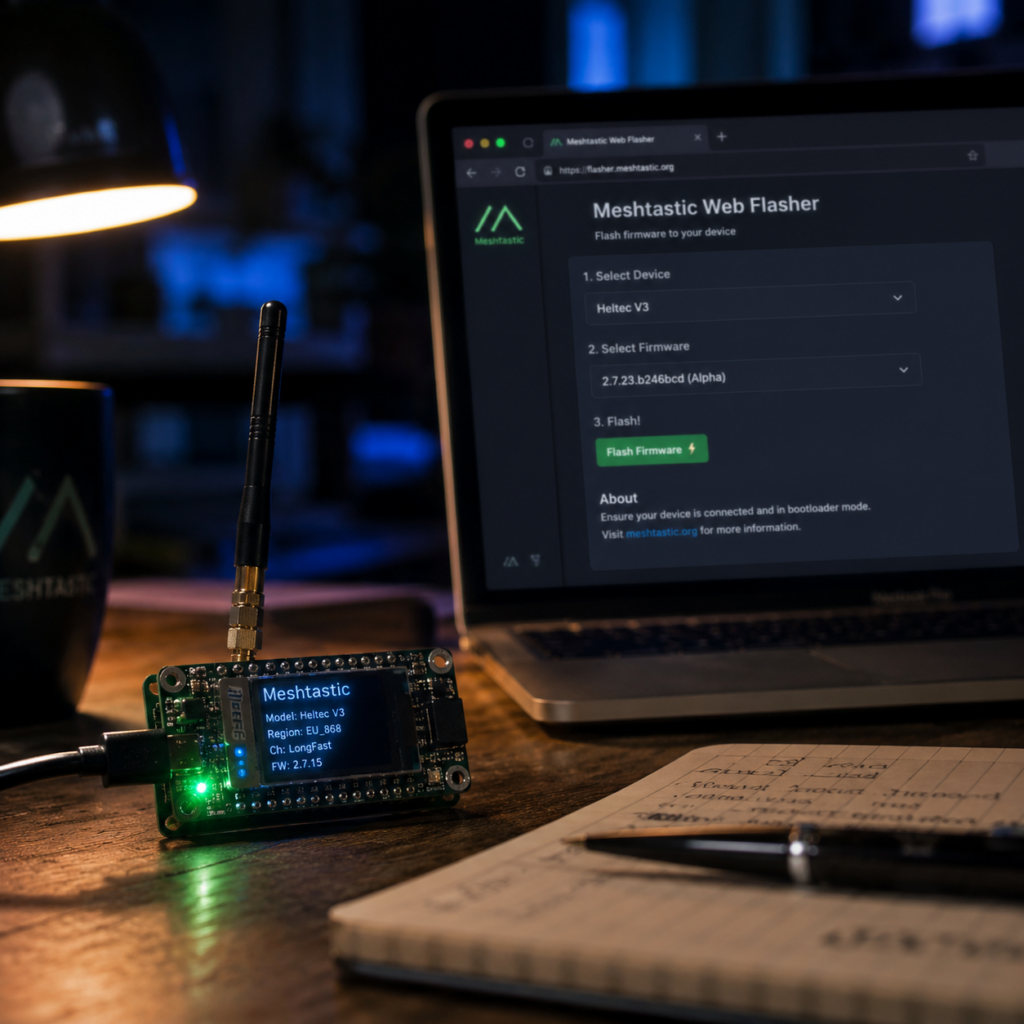
- Flash the new firmware using the official Meshtastic Web Flasher
- Restore configuration if necessary
- Verify the node reconnects correctly to the mesh
Official Web Flasher:
Important Notes
- Never overwrite device keys unless you intentionally want a new node identity
- Some firmware updates may reset LoRa or region settings
- Always verify TX and RX functionality after updating before deploying the node again